

client.consultations.start(consultation, options?), choosing a mode that matches how the audio is captured. TORTUS then takes over the embedded view and emits events as the consultation progresses.
options argument is optional and currently supports returnTo, the screen to show when the consultation completes:
Modes
- Face-to-face
- Audio file
- Live recording
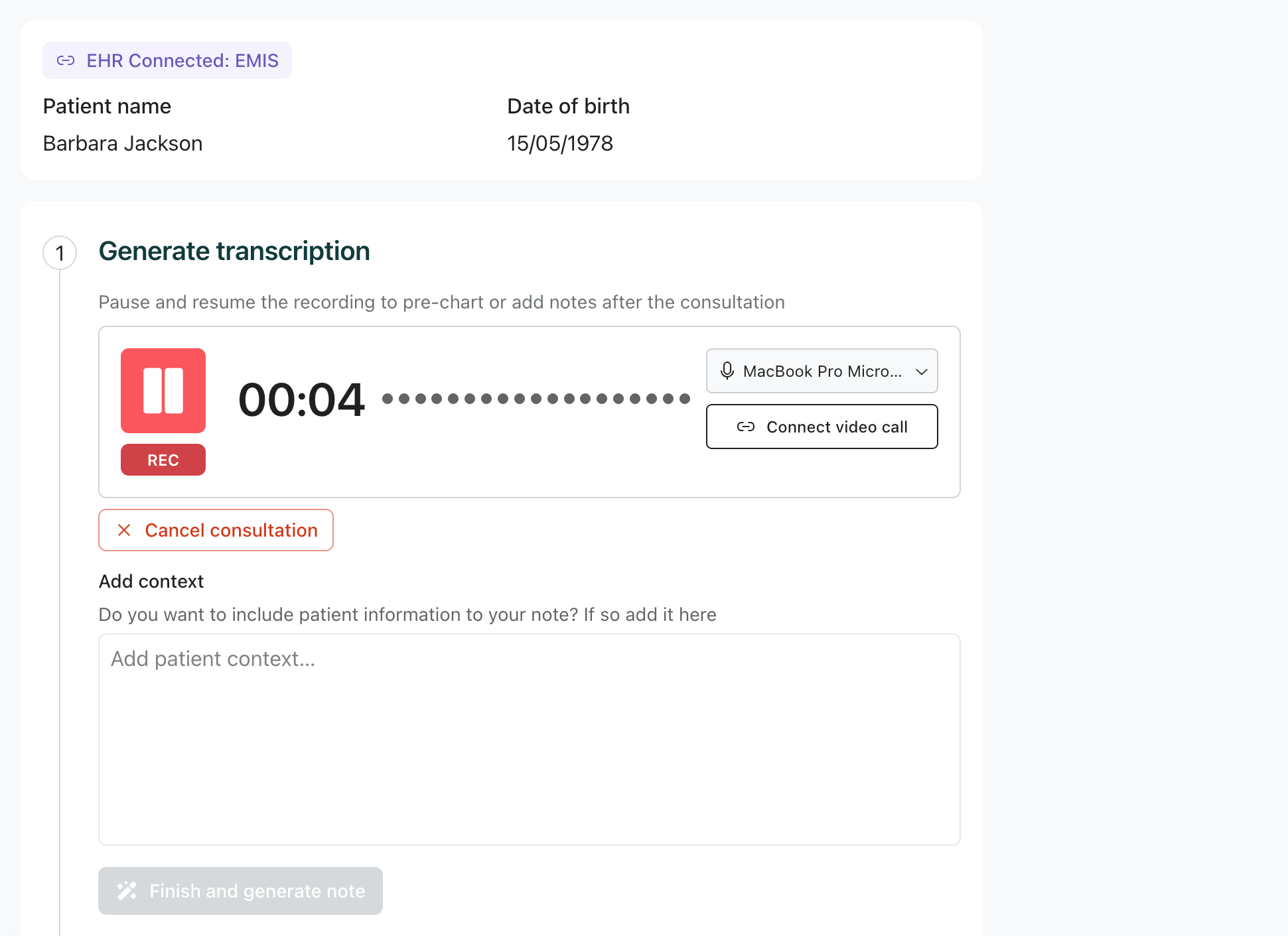
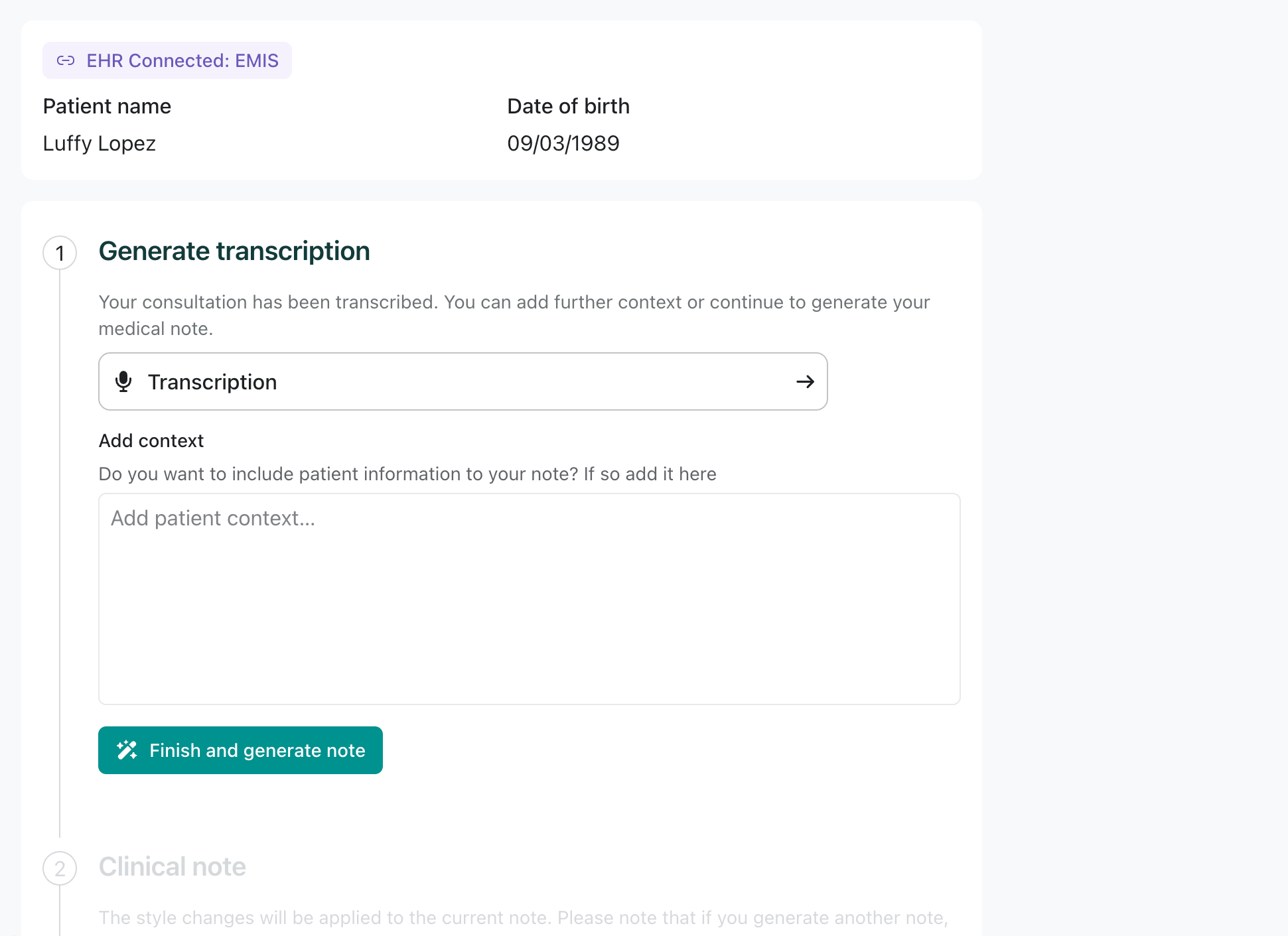
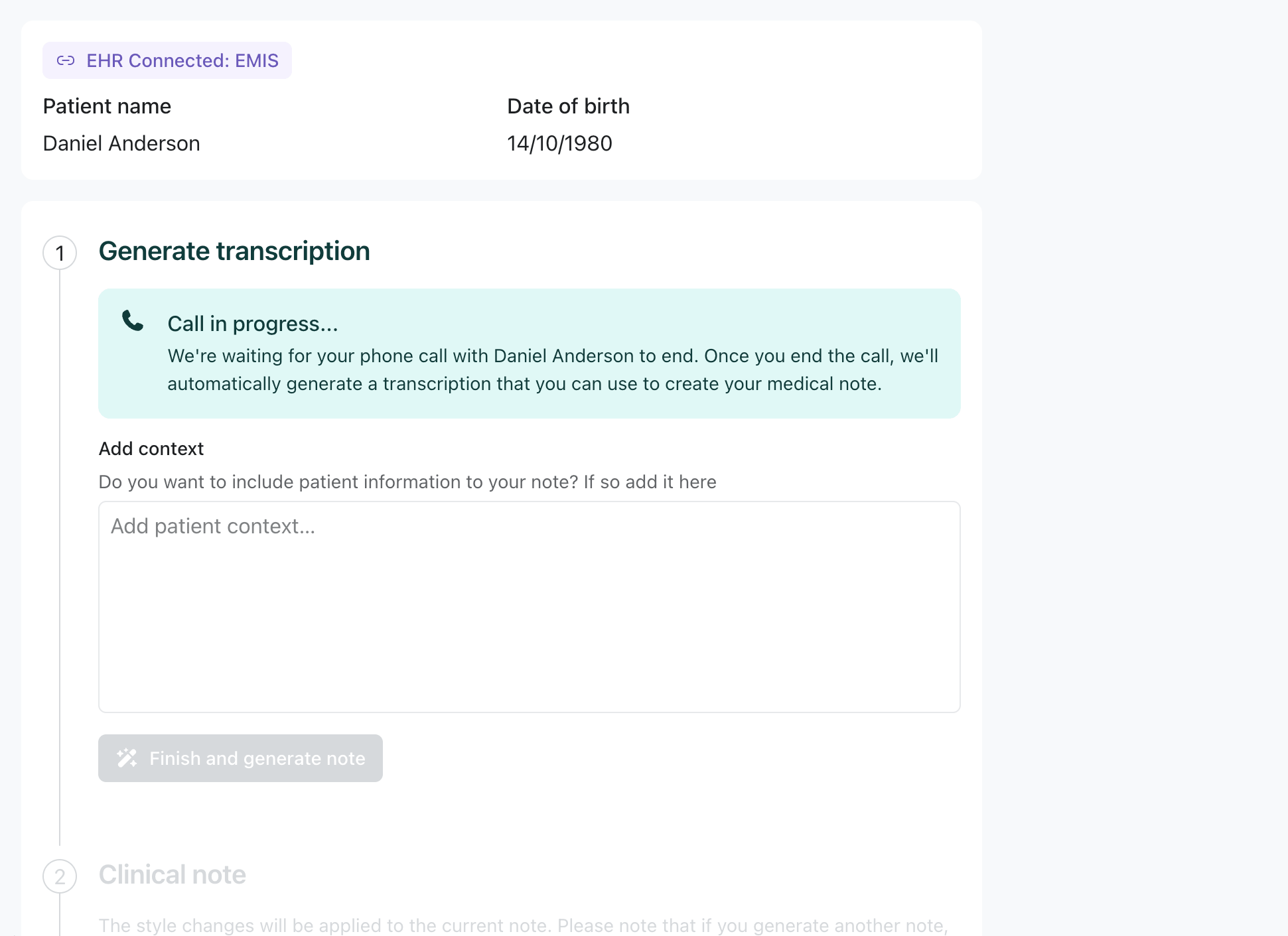
Patient details
Thepatient object identifies who the consultation is about. name is the common field; dateOfBirth and a typed identifier are optional but recommended.
metadata and customFields for your own correlation and workflow needs.
EHR integrations
Setintegration to tell TORTUS which clinical system the results should be approved and saved to. The chosen system drives the “Approve & Save to …” button and the “EHR Connected” badge.
Custom integration
Use theCUSTOM system when your clinical system isn’t listed. The label you provide is shown in the “Approve & Save to …” button. The “EHR Connected” badge is not shown for custom integrations.
Optional label for known systems
You can pass an optionallabel for a known system to customise the “Approve & Save to …” button text only. The “EHR Connected” badge still shows the system’s default name.
label is omitted, the default system display name is used (e.g. “EMIS”, “SystmOne”).
Next step
Handling events & results
React to the consultation lifecycle and read the generated artifacts.